Back
GitoryxGitoryx

Compare

Gitoryx vs Tig

Tig is a lightweight, ncurses-based text-mode interface for Git. It is primarily a repository browser and log viewer — it lets you navigate your Git history from the terminal and stage hunks for commit. But Tig is read-only by design for most workflows: it has no interactive rebase, no merge conflict editor, no pull request management, and no undo button. Gitoryx covers the full range of daily Git work in a visual, native application.

Feature comparison

FeatureGitoryxTig
Native GUI (no terminal required)
macOS / Windows
Visual commit graph
Mouse / trackpad support
Interactive rebase
Merge conflict editor
Drag-and-drop actions
1-click undo/redo
In-app PR management
Staging (hunk level)
Actively maintained
Free

Scope

Gitoryx: Full Git clientTig: Read-only browser

Tig is designed to browse and view Git history, not to manage it. Its core function is acting as a pager for `git log`, `git diff`, and similar commands. Most write operations — rebasing, merging, resetting, managing remotes — are outside its scope. Gitoryx handles the complete range of daily Git workflows, from viewing history to managing branches, remotes, and pull requests.

Platform support

Gitoryx: macOS and WindowsTig: Linux and macOS only

Tig is a C application built around ncurses. It is primarily supported on Linux and macOS. Windows support is experimental and limited. Gitoryx is a first-class native application on both macOS and Windows.

Visual commit graph

Gitoryx: Color-coded visual graphTig: Text log only

Tig presents your repository history as a scrollable text list — similar to `git log --graph` in the terminal. There is no interactive visual graph. Gitoryx renders a full color-coded commit graph showing all branches, merges, and tag positions at a glance, with commit details accessible directly from the graph.

Undo and write operations

Gitoryx: Full undo for all actionsTig: Not available

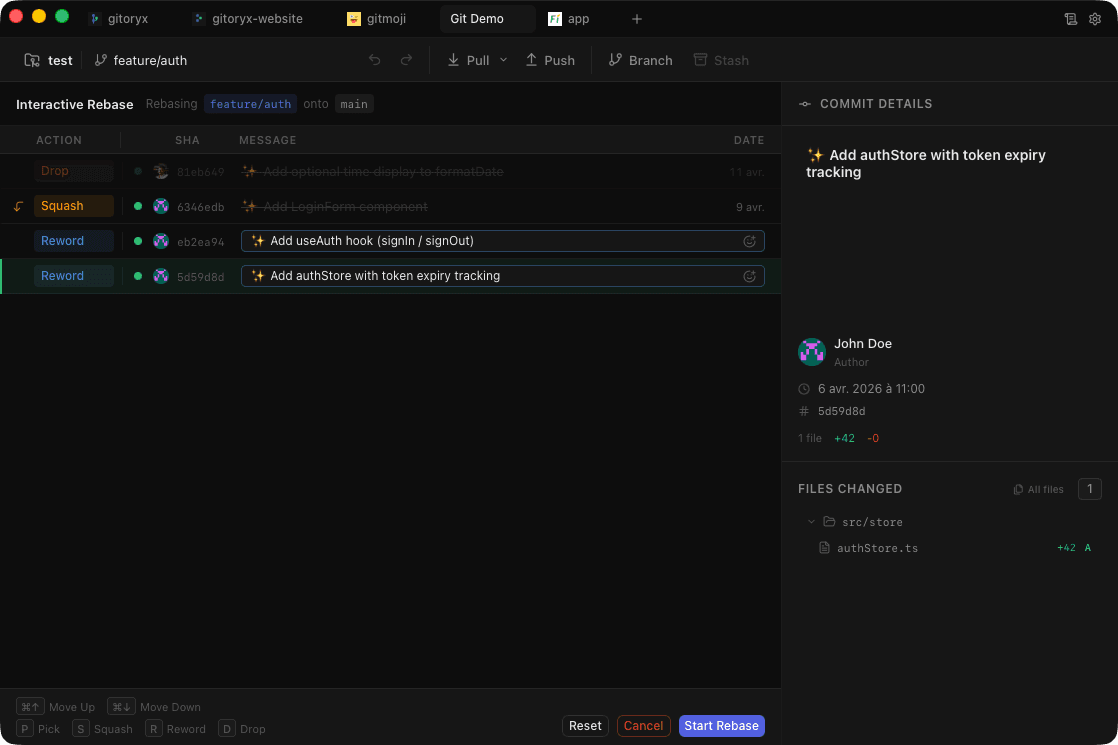
Tig has no undo button and limited write capabilities. It can stage and unstage hunks, but operations like interactive rebase, branch management, remote operations, and merge conflict resolution all require falling back to the terminal. Gitoryx handles all of these natively and lets you undo any major action with a single click.

Gitoryx

Stop fighting Git. Start shipping.

Download the fast, native Git client that developers actually enjoy using. Free during early access — no account, no credit card.

v0.0.25 · macOS 12+ · Windows 10+ · Apple Silicon & Intel · ~12 MB