- Is Gitoryx a good Tower alternative?
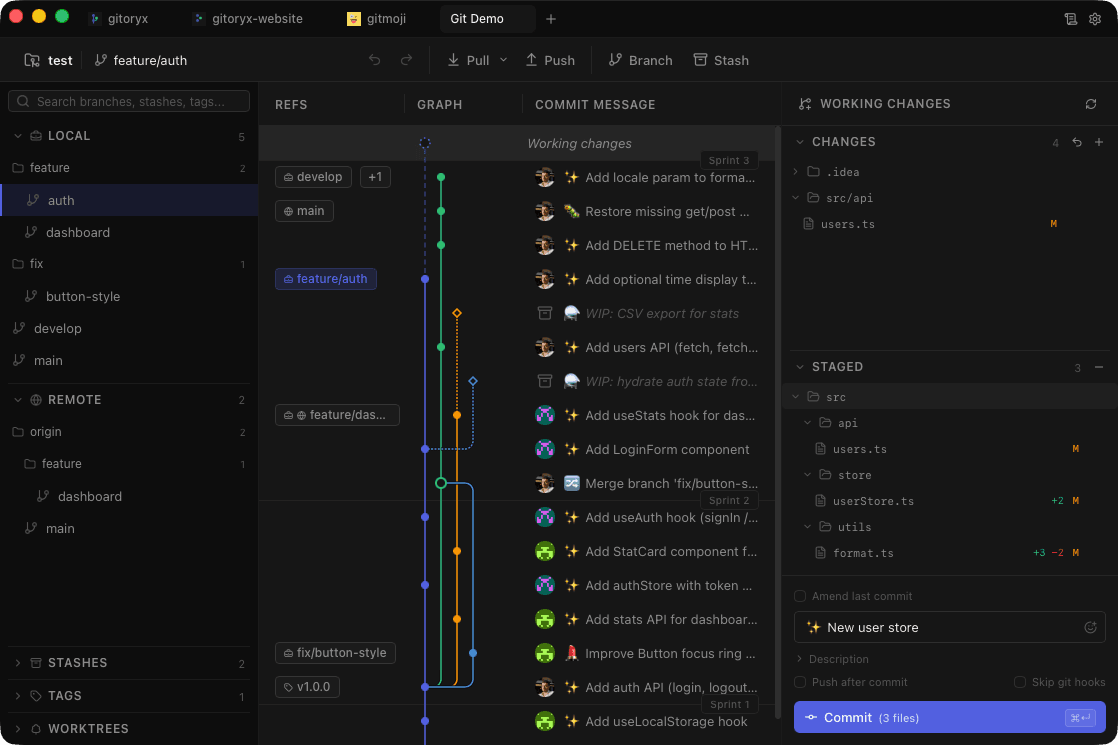
- Yes. Gitoryx delivers Tower's core capabilities (visual commit graph, interactive rebase, merge conflict resolution, drag-and-drop) as a native app, while adding 1-click undo for all actions, bisect, reflog, an integrated terminal, and a free tier. The main trade-off is Tower's renowned customer support.
- Is Gitoryx cheaper than Tower?
- Tower Basic is $69/year and Pro is $129/year per user. Gitoryx has a free plan for private repositories up to 30 commits, and its $199 one-time licence costs less than three years of Tower Basic at today's listed price. Check Tower's pricing page for current regional prices and terms.
- Does Tower have better undo than Gitoryx?
- No. Tower has partial undo for some operations, but it's not comprehensive across all actions. Gitoryx provides full 1-click undo and redo for checkout, commit, discard, branch deletion, remote removal, and branch reset.
- Which Git hosts does Gitoryx manage pull requests for?
- GitHub, GitLab, Bitbucket and Gitea, including GitHub Enterprise and self-managed GitLab. Tower covers its own set of hosting services with comparable depth, so on host coverage the two are close; the differences between them lie elsewhere.