- Is Gitoryx a good GitKraken alternative?
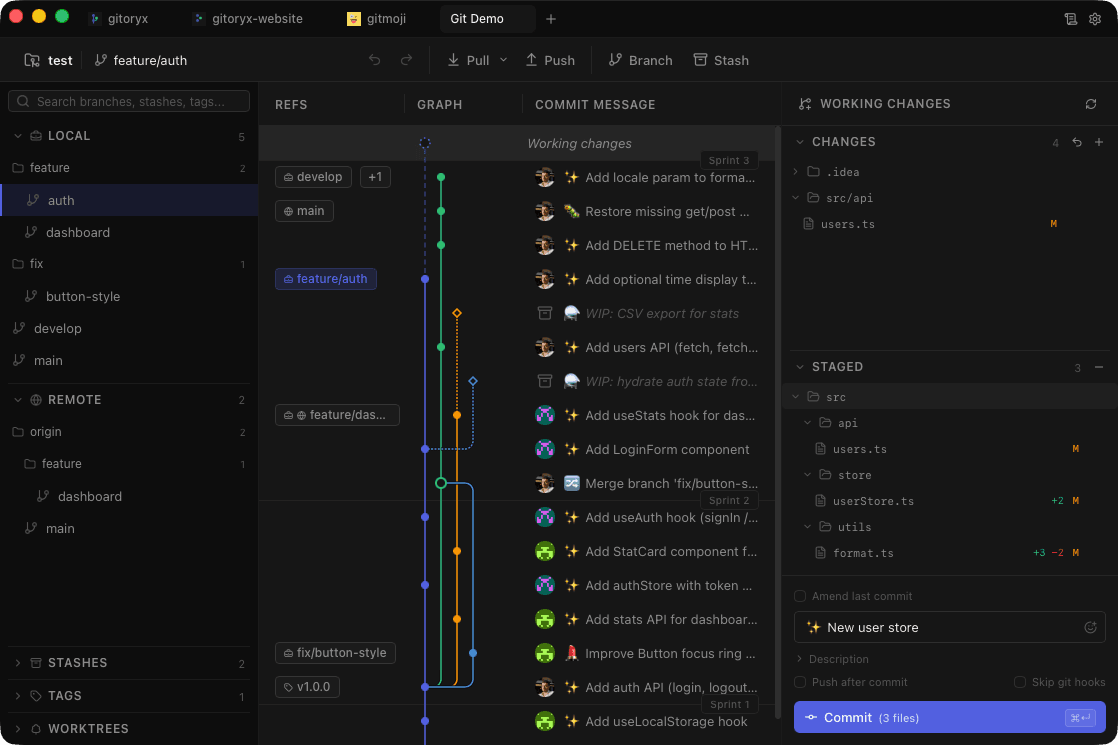
- Yes. Gitoryx covers the same core workflows (visual commit graph, interactive rebase, merge conflict resolution, in-app pull requests) but as a native app with no Electron overhead and no account required. It also adds features GitKraken lacks, including git bisect, reflog viewer, worktree management, and an integrated terminal.
- Is Gitoryx cheaper than GitKraken?
- GitKraken's free Community plan covers local repositories and public remotes; private remotes require a paid plan. Its pricing page currently lists Pro from €8/user/month with annual billing in the EUR region, excluding a limited-time first-year discount. Gitoryx offers a free plan for private repositories up to 30 commits, with no account required.
- Does Gitoryx require an account like GitKraken?
- No. GitKraken asks you to sign in even for the free tier. Gitoryx works fully offline and locally: no account, no sign-in, no telemetry gate.
- Does Gitoryx run on Linux?
- Yes. Gitoryx and GitKraken both run on Linux, macOS and Windows. Gitoryx's Linux build is available for x86_64 as AppImage, .deb and .rpm packages.
- What about GitKraken's broader ecosystem (GitLens, boards)?
- GitKraken offers a wider ecosystem including GitLens for VS Code, Kanban boards, and cloud workspaces. If you use those tools daily and they're central to your workflow, that ecosystem has value. Gitoryx is focused purely on being the best Git client. It does that one thing deeply rather than spreading across multiple products.