
Compare
Gitoryx vs Git Extensions
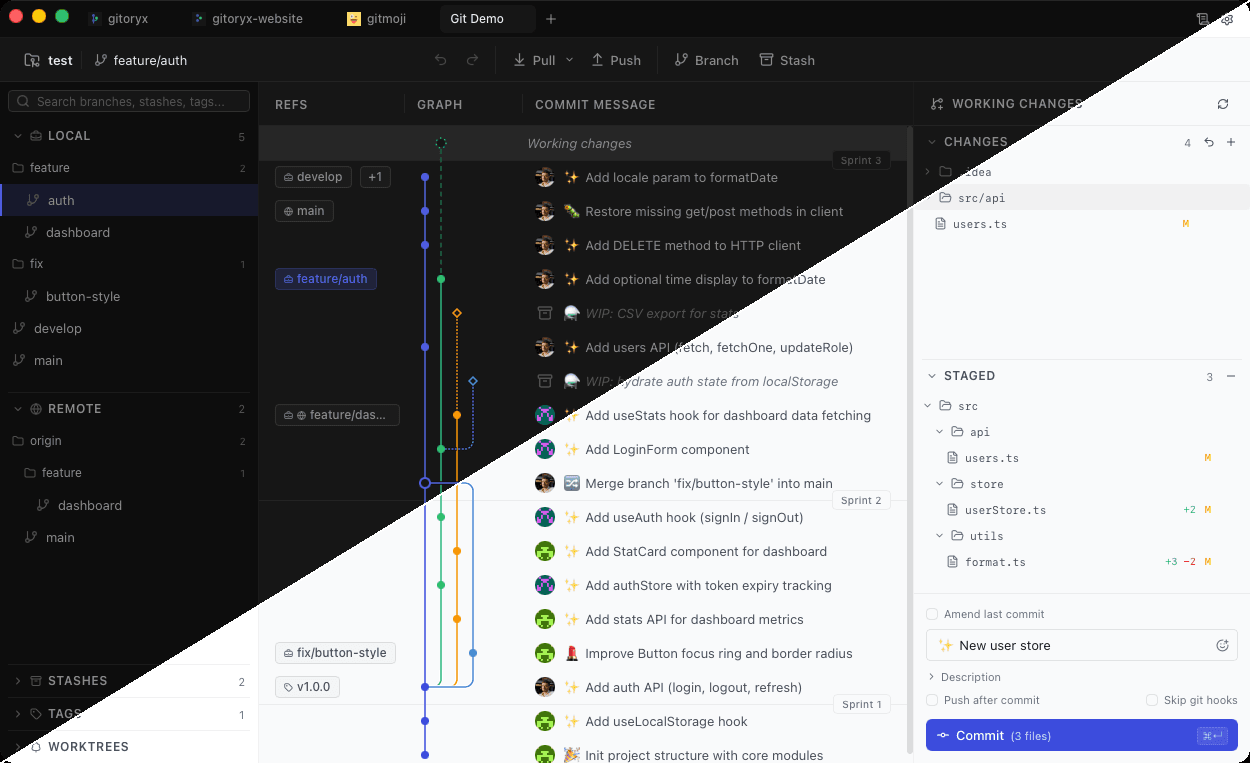
Git Extensions is one of the oldest Git GUIs available, with development primarily focused on Windows. Its macOS and Linux support requires Mono and is stuck on an older version. The interface is cluttered and based on legacy Windows Forms components. Gitoryx is built for the way developers work today — native, clean, and cross-platform.
Feature comparison
| Feature | Gitoryx | Git Extensions |
|---|---|---|
| macOS support (native) | ||
| Windows support | ||
| Linux support (native) | ||
| Visual commit graph | ||
| Interactive rebase | ||
| Merge conflict tool | ||
| 1-click undo (all actions) | ||
| Command palette | ||
| Multiple profiles | ||
| Modern UI | ||
| Easy host connection (OAuth) | ||
| Free |
macOS & Linux support
Gitoryx: Native on all platformsGit Extensions: Windows-primary; Mac/Linux via Mono onlyGit Extensions is maintained primarily for Windows. macOS and Linux are only supported through Mono, limited to version 2.5 or older. Gitoryx runs natively on macOS, Windows, and Linux with full feature parity across all platforms.
User interface
Gitoryx: Clean, modernGit Extensions: Cluttered, legacy Windows UIGit Extensions uses legacy Windows Forms components. Users regularly report the UI getting in the way of their workflow due to the amount of information shown at once. Gitoryx presents the same Git power through a clean, modern interface designed to stay out of your way.
Undo
Gitoryx: Full undo/redo for all actionsGit Extensions: Last commit onlyGit Extensions only lets you undo the last commit. Gitoryx supports undo and redo for checkout, commit, discard, branch deletion, remote removal, and branch reset — all with a single click.
Connecting to hosted repos
Gitoryx: One-click OAuthGit Extensions: Manual SSH key setup with PuTTyGit Extensions requires manually generating an SSH key with PuTTy, saving it to a text file, and manually adding the public key to your GitHub profile. Gitoryx connects to GitHub, GitLab, Bitbucket, and Azure DevOps with a single OAuth click.