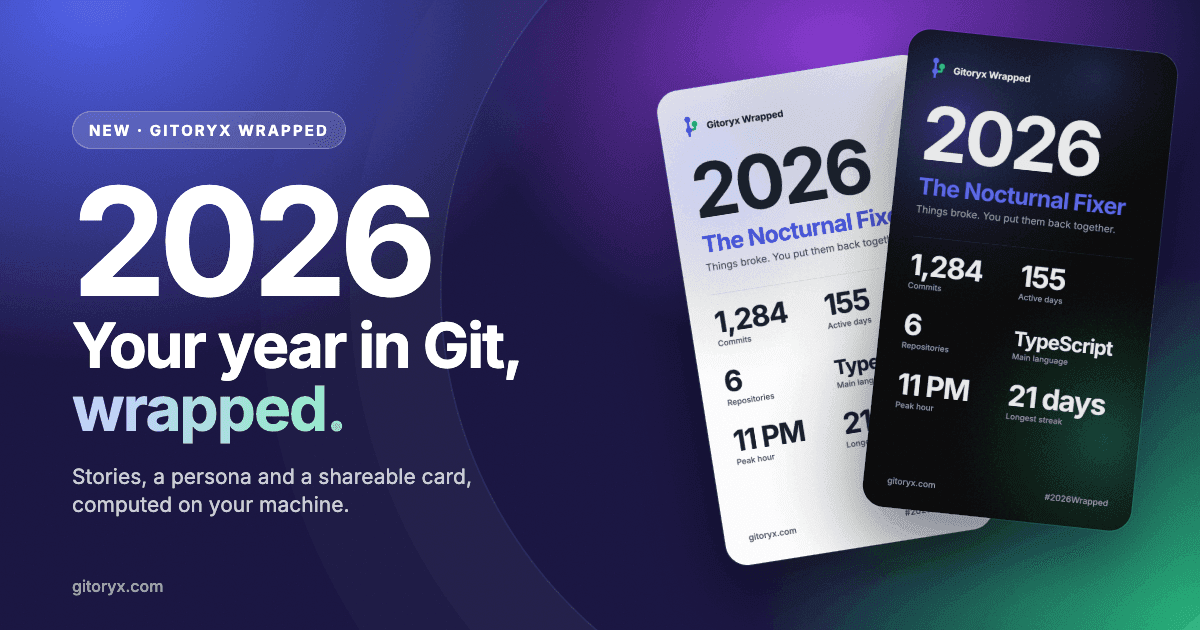
Every December, your music app tells you which song you could not stop playing. Your code has a story too: the hour your keyboard comes alive, the week you shipped more than any other, the fix you pushed at 3 AM and never told anyone about.
Gitoryx Wrapped tells that story. Pick your projects, press one button, and a year of commits turns into a run of full-screen animated stories, a developer persona that sums you up, and a card you will actually want to post.
#Your year, one story at a time
Wrapped plays like the stories you already know: full screen, one moment per slide, tap or press → to move on. Each slide is built from your own commit history, so no two years look the same.
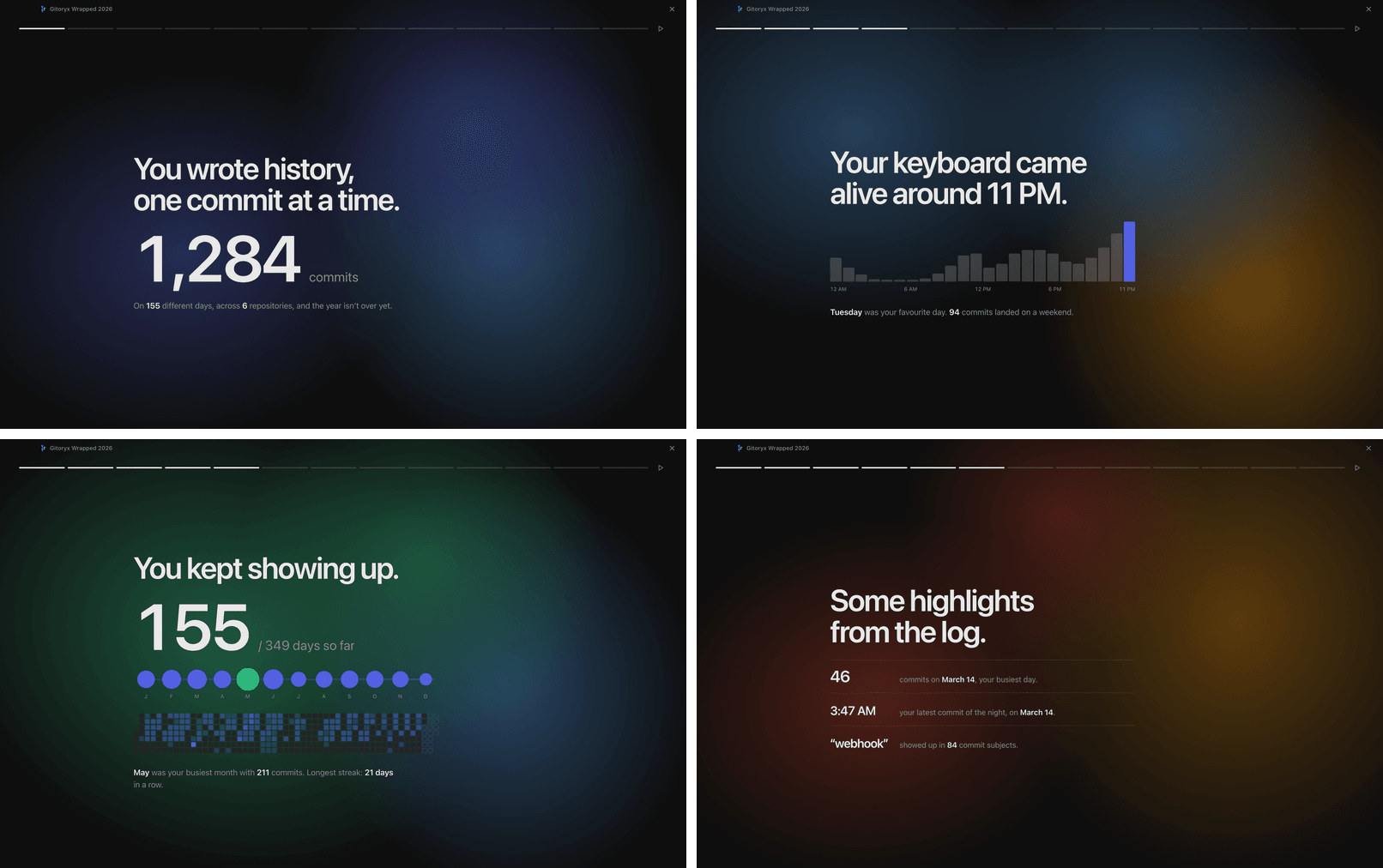
Here is what it digs up.
- The big number. How many commits you made this year, and on how many different days.
- Where the work happened. Your top projects, ranked, so you can see which one really ate your year.
- What you wrote in. Your main language and the ones that kept it company.
- Your rhythm. The hour your keyboard comes alive and your favourite day of the week. Are you a 10 AM person or an 11 PM person? Wrapped knows.
- Your streaks. How many days you showed up, your busiest month, and your longest run of consecutive days.
- Your records. Your busiest day, your latest commit of the night, the word you typed most in commit messages, and the longest break you took (you earned it).
- The people you built with. Your most active teammates, and the co-authors on your commits.
- Your gitmoji. If you label commits with emoji, they pile up on screen, most-used on top. Is your pile all ✨ or all 🐛?
A quiet year gets a shorter story instead of a screen of zeros. Wrapped only shows a slide when there is something worth saying.
#Meet the developer you were this year
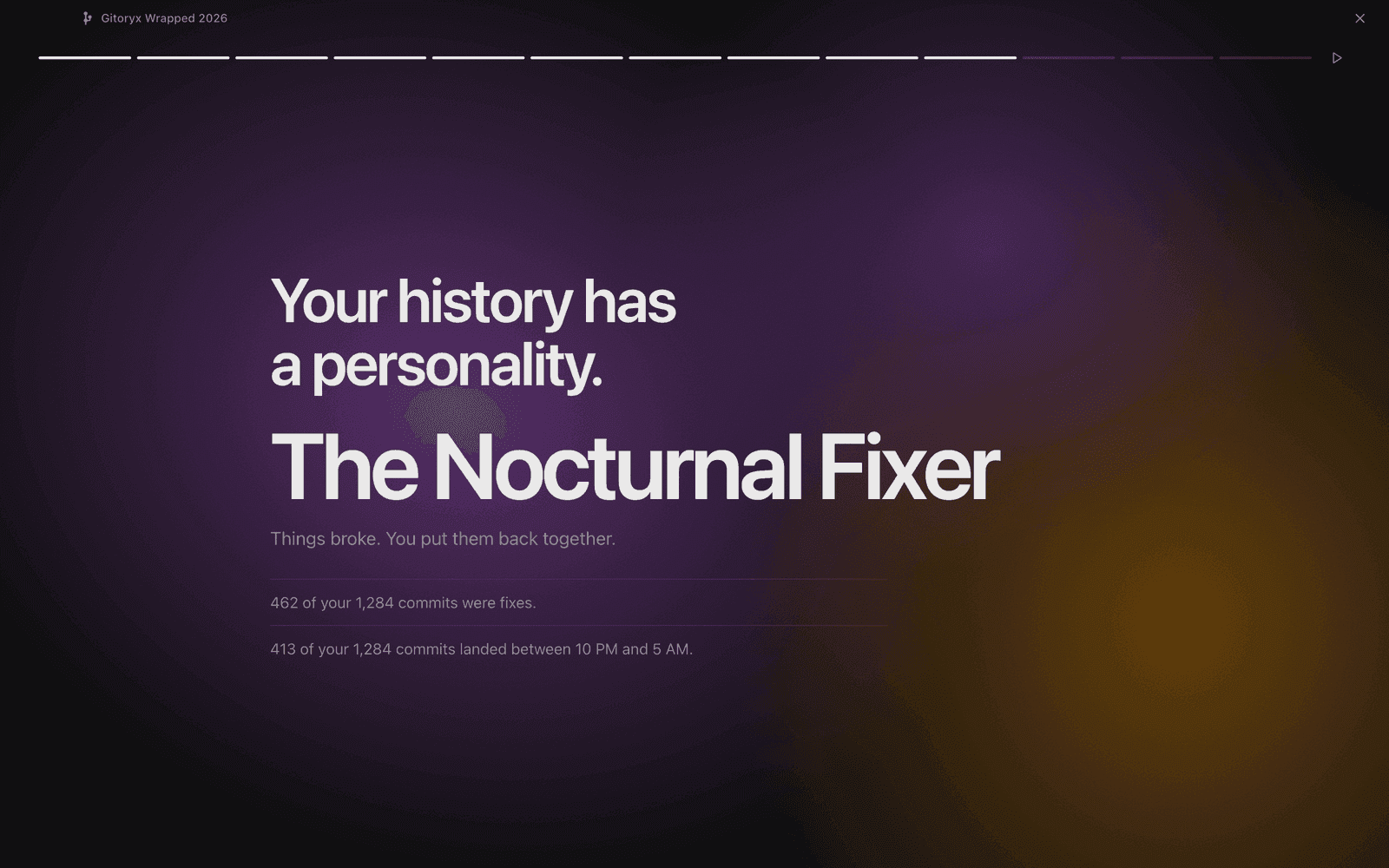
The slide everyone screenshots. Wrapped looks at your habits across the whole year and gives you a persona: the one that fits best, or a blend of two when you are both, like The Nocturnal Fixer.
There are fourteen to discover.
| Persona | What it says about you |
|---|---|
| Night Owl | Your best ideas showed up after dark. |
| Early Bird | You shipped before the coffee cooled. |
| Fixer | Things broke. You put them back together. |
| Inventor | Blank files kept turning into something. |
| Architect | You kept the build, the deps and the pipelines in shape. |
| Philosopher | Your commits came with their reasons attached. |
| Sprinter | When it was time, you went all in. |
| Gardener | You showed up a little, every single week. |
| Steady Hand | No rush, no gaps. Just the same calm rhythm all along. |
| Cartographer | You left your mark on a lot of repositories. |
| Conductor | You set the direction, your AI pair helped carry it. |
| Ensemble Player | Your best work was written in good company. |
| Curator | Every commit, labelled with care. |
| Builder | No single habit ran the show. You just kept building. |
Your persona comes with receipts. Under the name, Wrapped shows the real numbers that earned it, like "462 of your 1,284 commits were fixes". No AI is guessing who you are: the same history always gives the same persona, and you can check every claim against your own commits.
It is meant to be fun, not a performance review. A persona describes a habit. It says nothing about how good a developer you are.
#How much of your year did you write with AI?
If you code with Claude, Copilot, Cursor or another assistant, Wrapped shows how many of your commits carry its signature, next to the commits you wrote with human teammates. Lean on your AI pair enough and you might be crowned The Conductor.
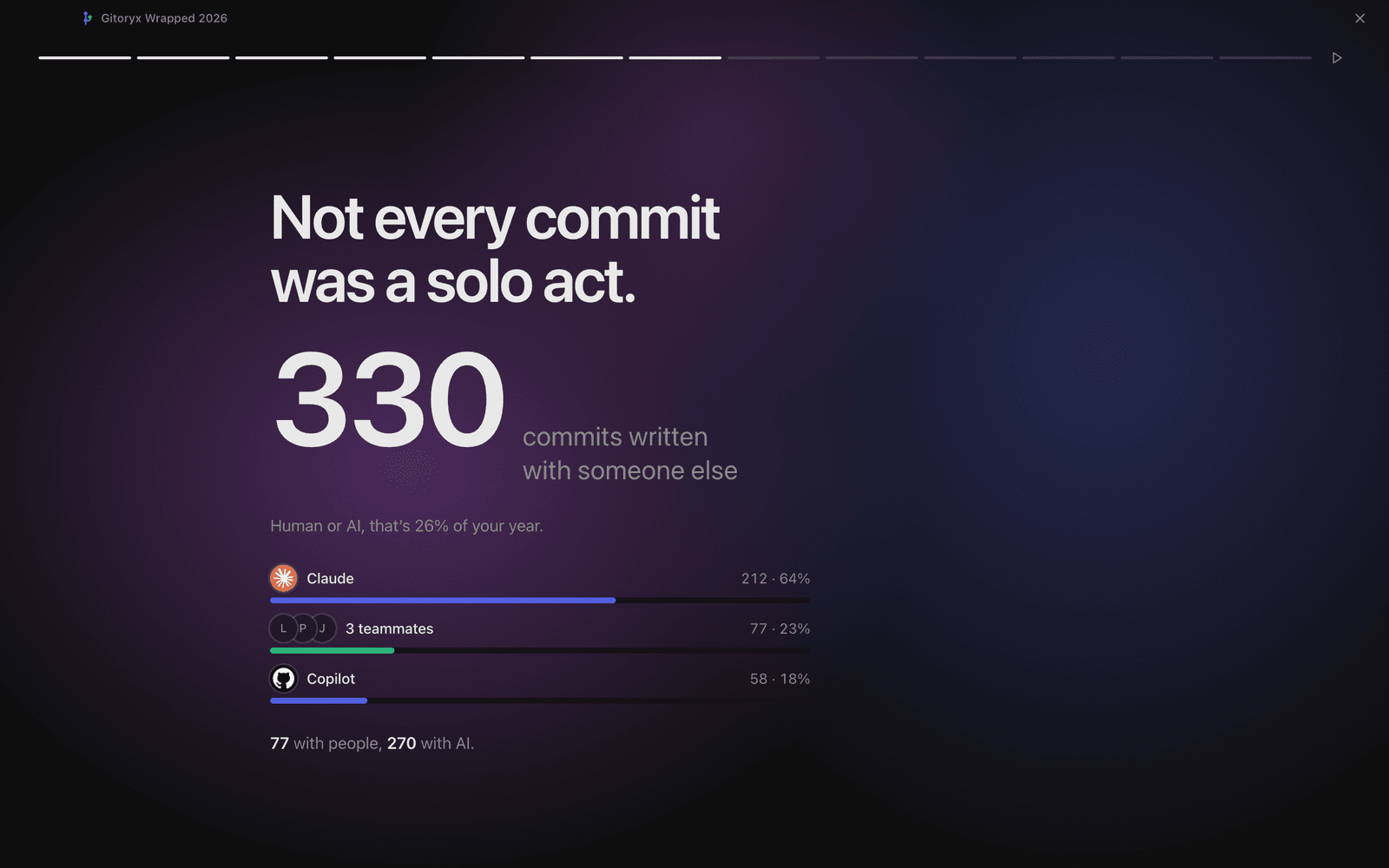
Wrapped can only count the help that left a mark in your commits, so the figure is a minimum. For the full picture next year, have your tools sign their commits; the team Git standards guide explains how.
#A card worth posting
The story ends on a recap of your year and a card in the 9:16 story format, ready for Instagram, a group chat or your team's Slack: your persona, up to six headline stats and your top projects, in a light or a dark version. Save image gives you a PNG and Copy image puts it straight on your clipboard.
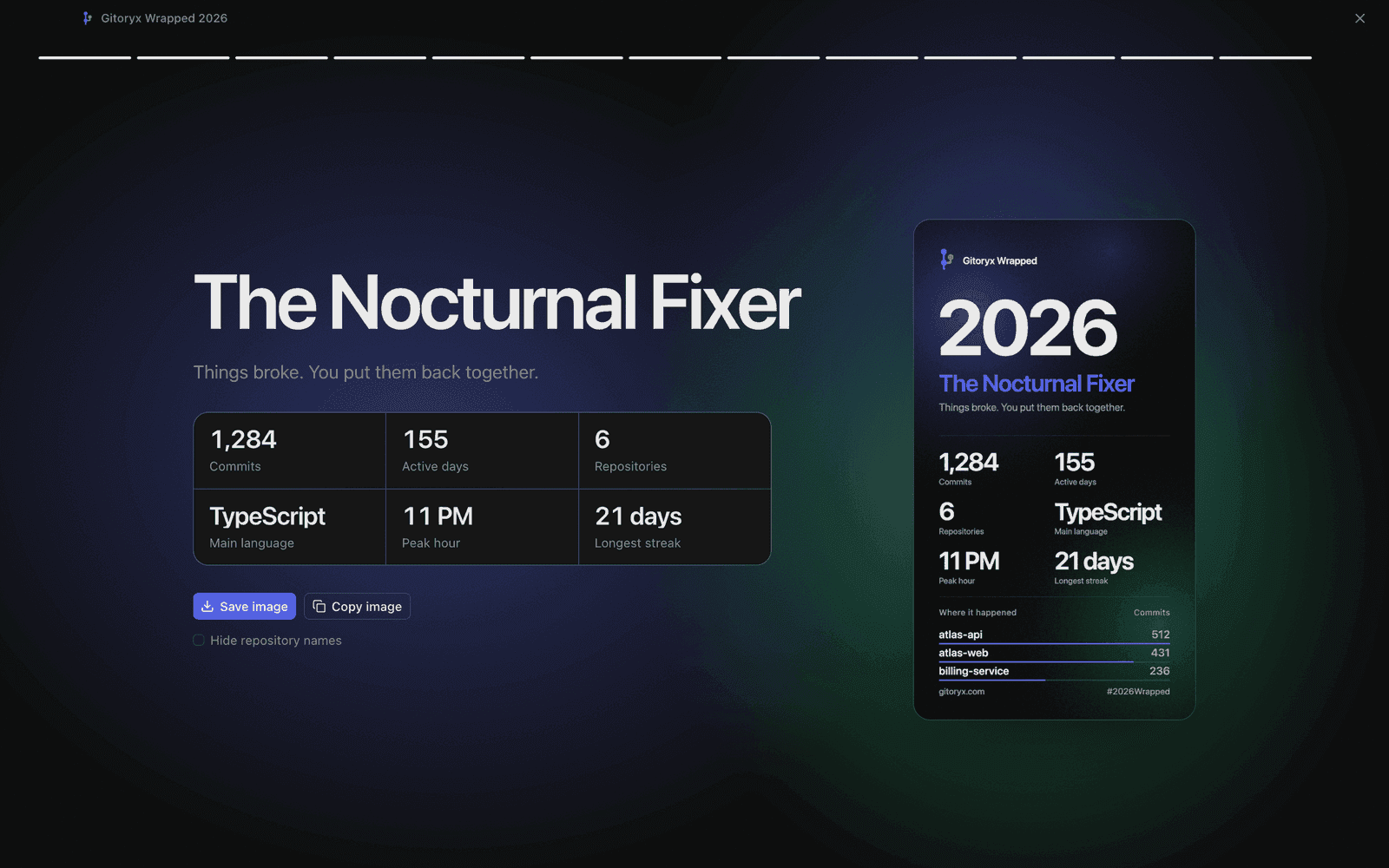
Working on something under wraps? Tick Hide repository names before you save and your projects stay off the card. The card never shows a single commit message either.
#Your code stays on your laptop
A year of commits says a lot about you and your projects, so Wrapped keeps all of it on your machine. There is no account to connect, no repository to upload and nothing to authorise. Wrapped reads the Git history already on your disk, works out your year right there, and sends none of it anywhere. Not your code, not your commit messages, not your repository names.
#How to get your Wrapped
- Download Gitoryx for macOS, Windows or Linux, and open the projects you worked on this year.
- Wait for the toast. From December 1, Gitoryx greets you with "Your 2026 in Git is ready". Missed it? Open Wrapped any time from Settings.
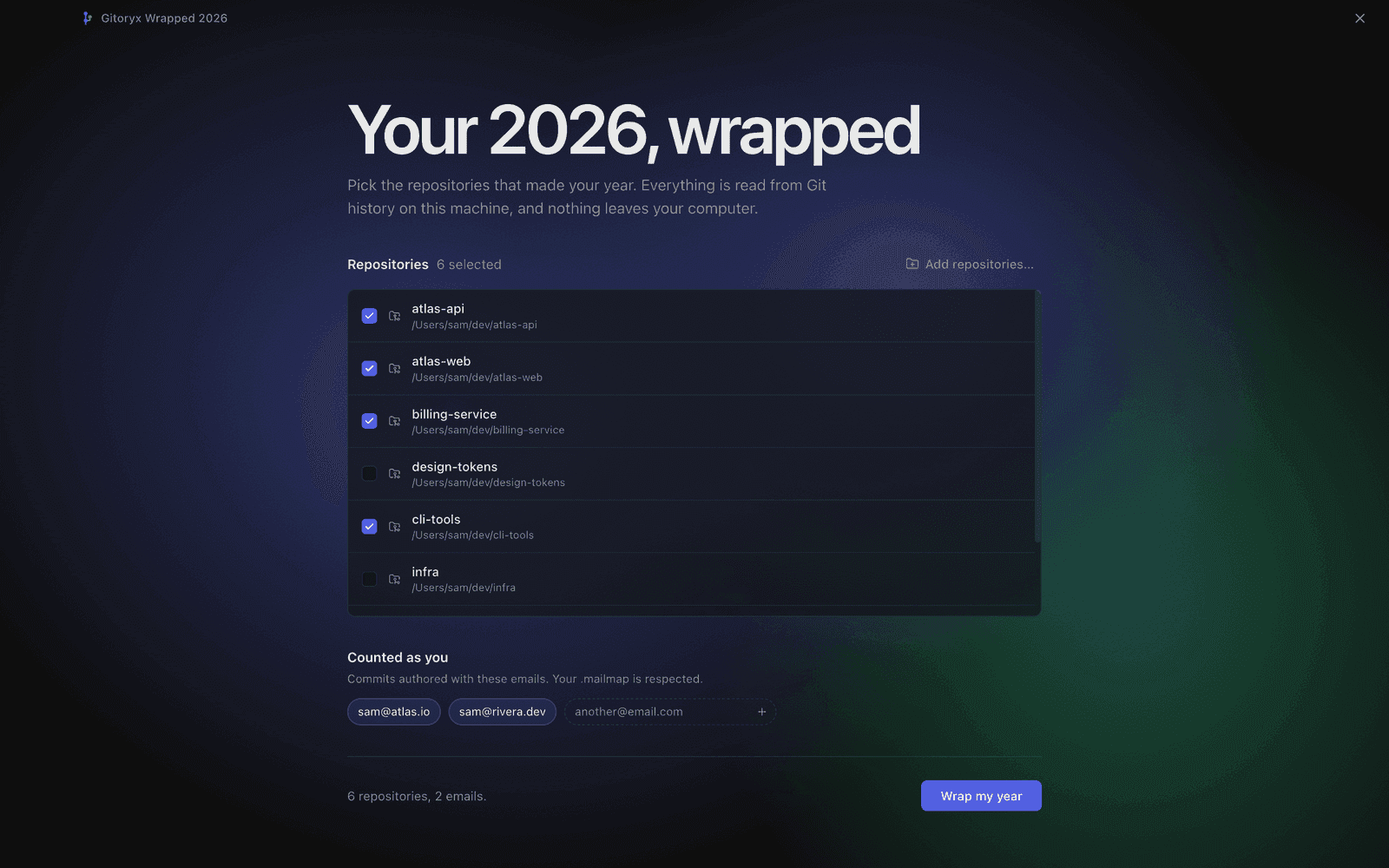
- Pick your projects and check the email addresses you commit with, so Wrapped counts every commit that is yours.
- Press "Wrap my year" and enjoy the show.
#Get the most out of it
You have a few weeks left to make your Wrapped richer.
- Open all your projects in Gitoryx, side projects included. Wrapped can only tell the story of the repositories it can see.
- Fetch before December so work you did on other machines is part of the picture.
- Add every email you commit with, work and personal, so your total is your real total.
- Try gitmoji. A month of emoji-labelled commits is enough to give you a pile of your own. The gitmoji guide gets you started in five minutes.
Then, on December 1, see who you were this year.